01 / SELF-HOSTED
Your server.
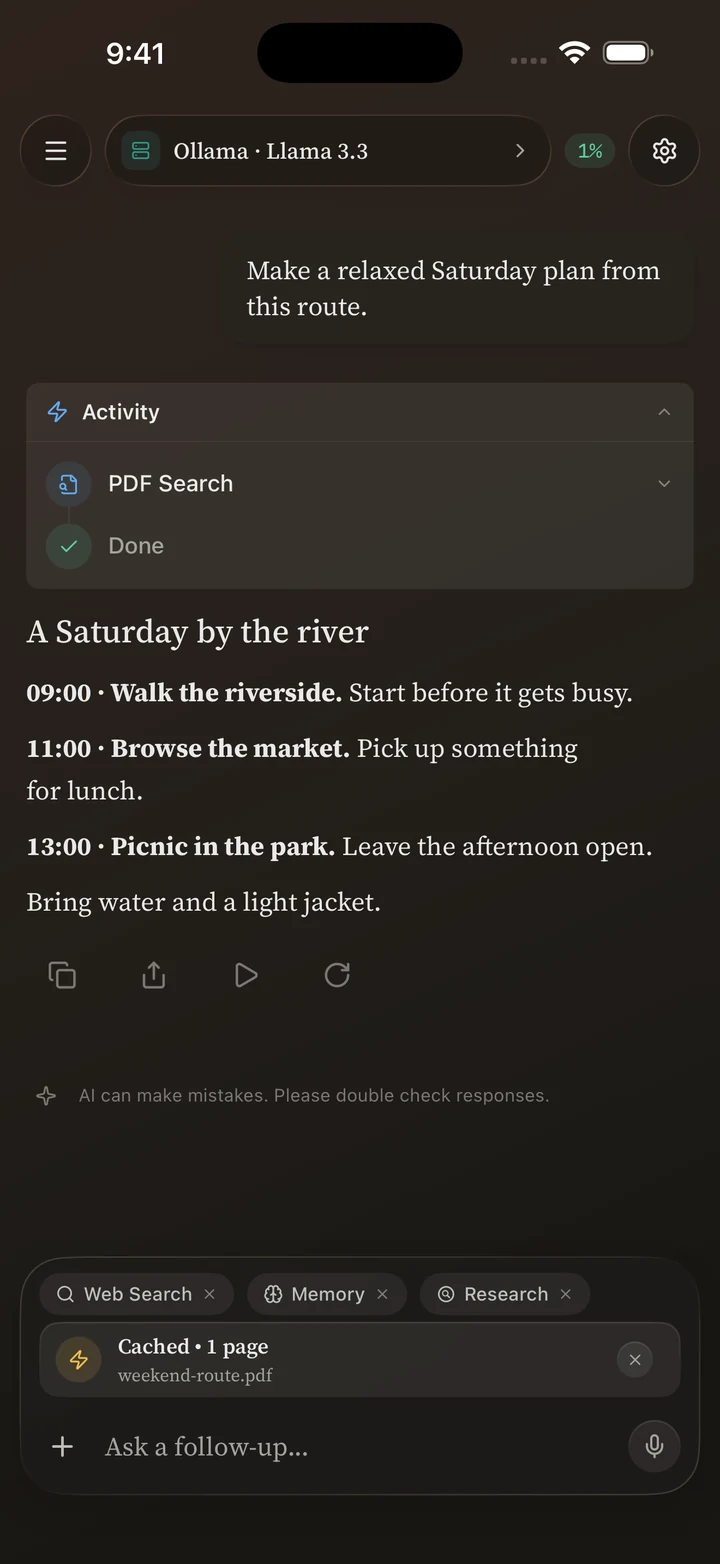
Keep the heavy lifting on your computer. Connect to LM Studio, Ollama, vLLM, or another OpenAI-compatible endpoint.
Connect a serverYour server, your on-device models, your cloud APIs.
One thoughtful chat client for iPhone and iPad.
Buy once. No Vanta account. No Vanta subscription.
Vanta is an AI chat client for iPhone and iPad, built by Ezel Bayraktar. Connect to your own server, run supported models on-device, or bring your cloud API keys.
Compare local AI setupsUse what you already have.
Try something new when you need it.
Keep the heavy lifting on your computer. Connect to LM Studio, Ollama, vLLM, or another OpenAI-compatible endpoint.
Connect a serverDownload a supported GGUF or MLX model and take it offline. Or use Apple Intelligence when your device supports it.
Go on-deviceBring an OpenRouter key or add your own compatible cloud endpoint. Choose the model that suits the moment.
Bring your API keyAsk about your PDFs. Add photos with a compatible vision model. Keep the context close to the question.
Work with your files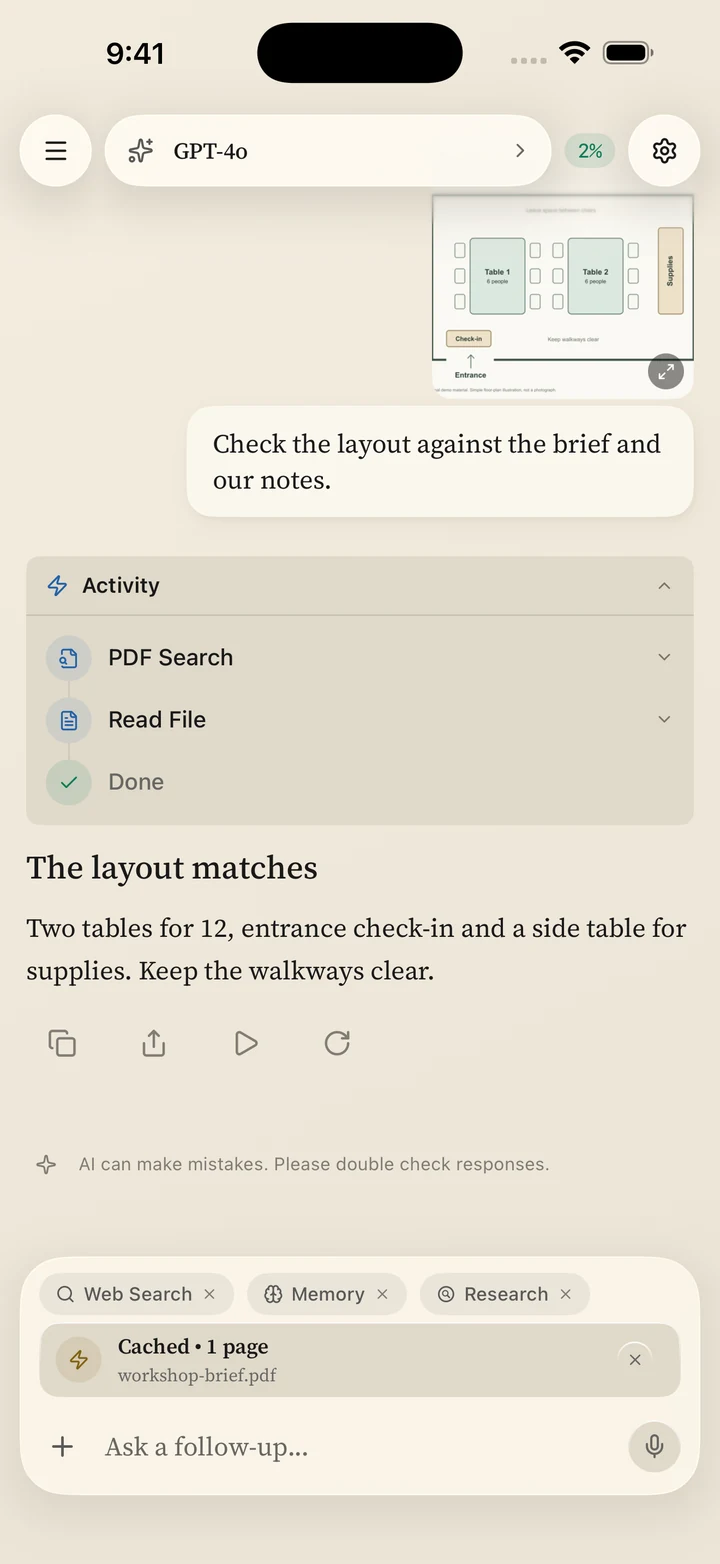
Put multiple models in one conversation. Give them roles, compare their answers, and find a different angle.
Meet your model panel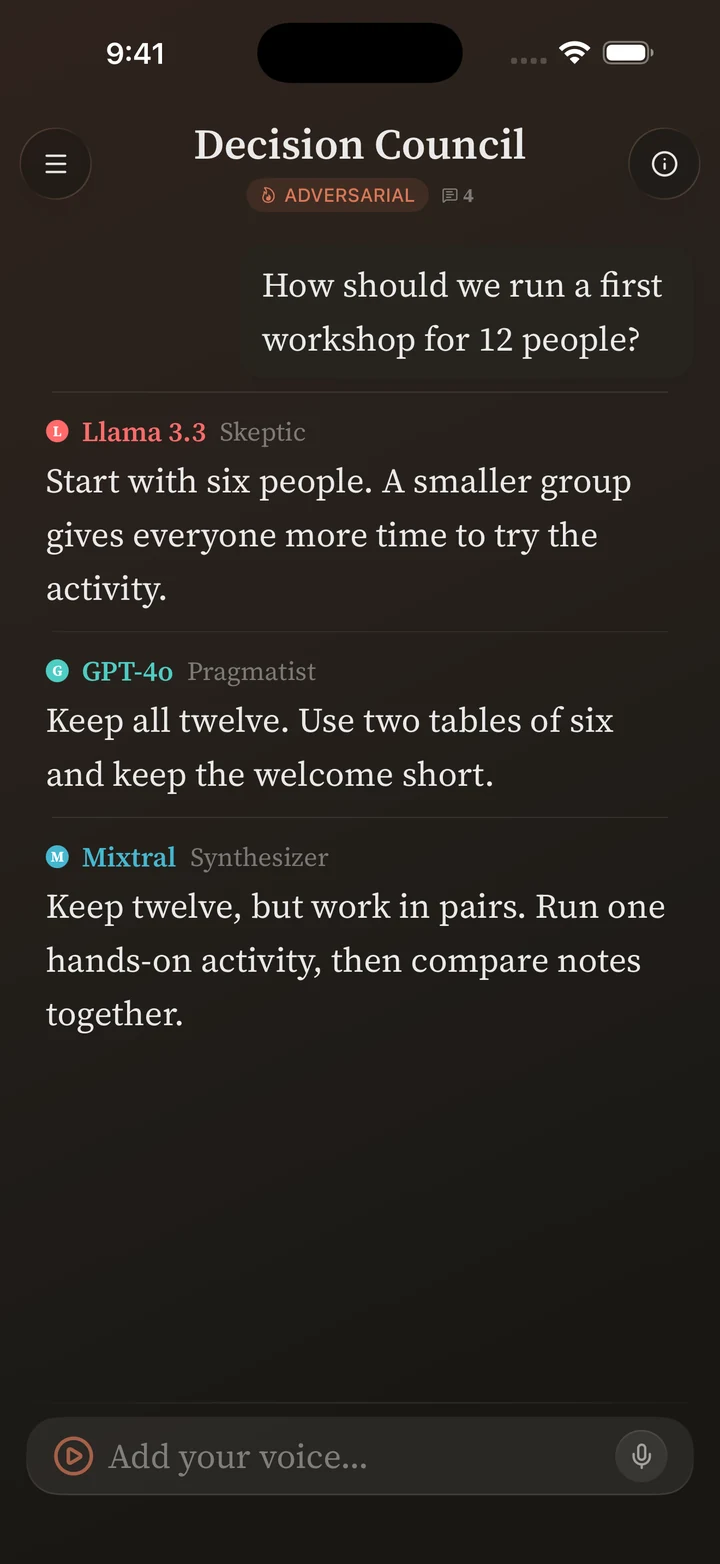
Connect MCP servers or use research tools with compatible models.
Connect your toolsSave prompts, configure memory, and manage long conversations.
Make it yoursReadable Markdown, code highlighting, voice input, and themes.
Look insideOffline models run on your device. Self-hosted chats go to your server. Cloud chats go to your chosen provider. External tools have their own data flows.
Choose the setup that fits your conversation.
See exactly how data movesVanta is an AI chat client for iPhone and iPad. Connect to your own server, run supported models on-device, or use cloud providers with your own API keys.
Yes. Vanta connects to their OpenAI-compatible server endpoints from iPhone or iPad. The model runs on your server; your device needs a network connection to it.
Read the Ollama setup guideSupported on-device GGUF and MLX models work offline after downloading. Online tools, cloud APIs, model downloads, and remote servers need a connection. Apple Intelligence also depends on system availability.
See on-device requirementsNo. Vanta is a one-time App Store purchase, with no Vanta account or subscription. Your cloud provider and other external services may charge separately.
See purchase detailsOn-device inference runs on your iPhone or iPad. Server and cloud requests go to the endpoint you choose. Enabled external tools and online services receive the data needed for your request.
Follow the data flow MAKE SOME ROOM FOR YOUR AI
For iPhone & iPad · iOS 18 or iPadOS 18 or later